10 Hidden Android Settings You Should Change
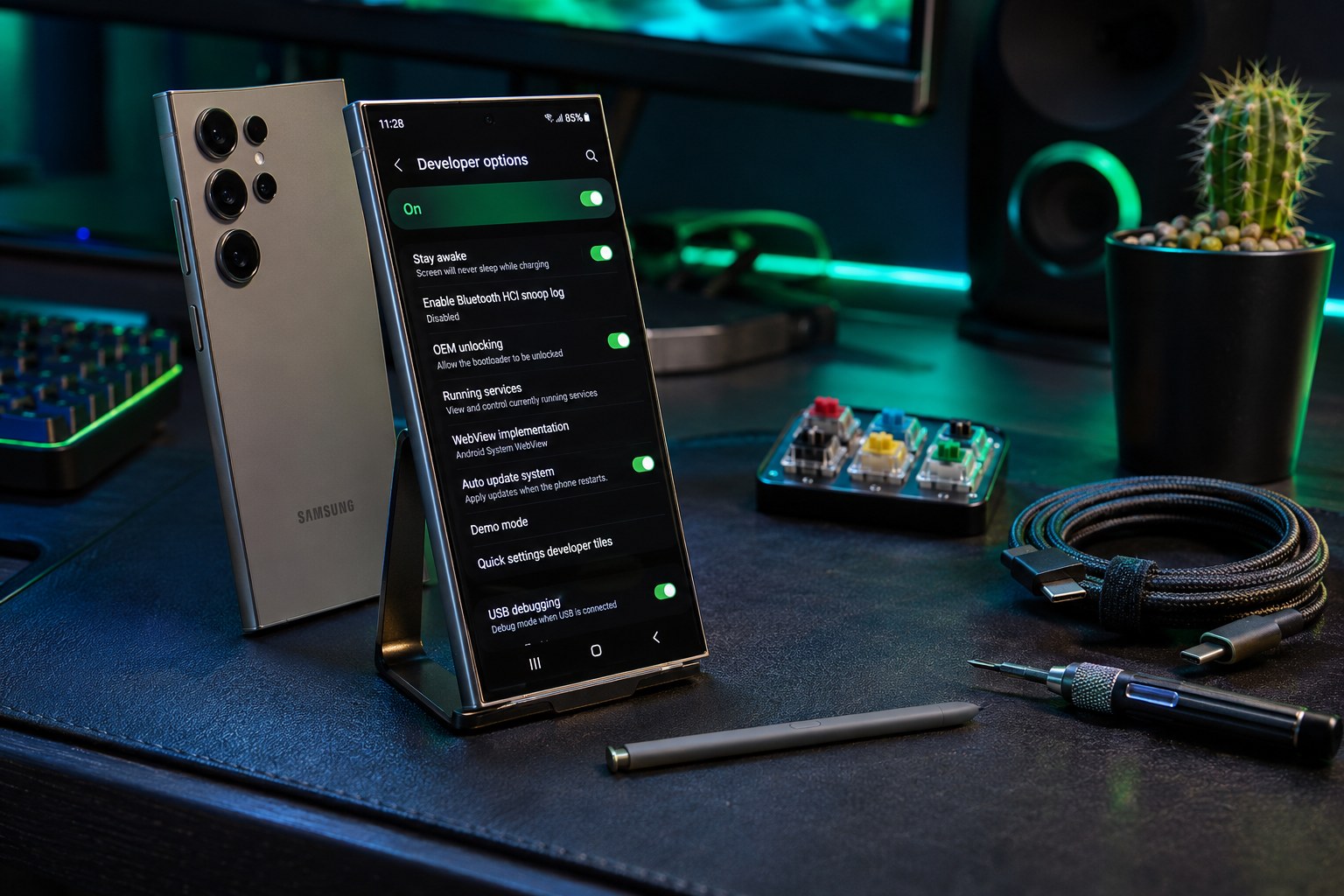
Samsung Galaxy S24 Ultra showing Android settings on a dark desk with S Pen and teal lighting

Android hides a surprising number of useful switches behind menus most people never open. Some protect your privacy, some save battery, and some simply make the phone nicer to use. Menu names vary by brand, but each of these exists on current Pixel and Samsung phones. This guide lists ten settings worth changing, with the … Read more
How to Manage App Permissions Safely on Android

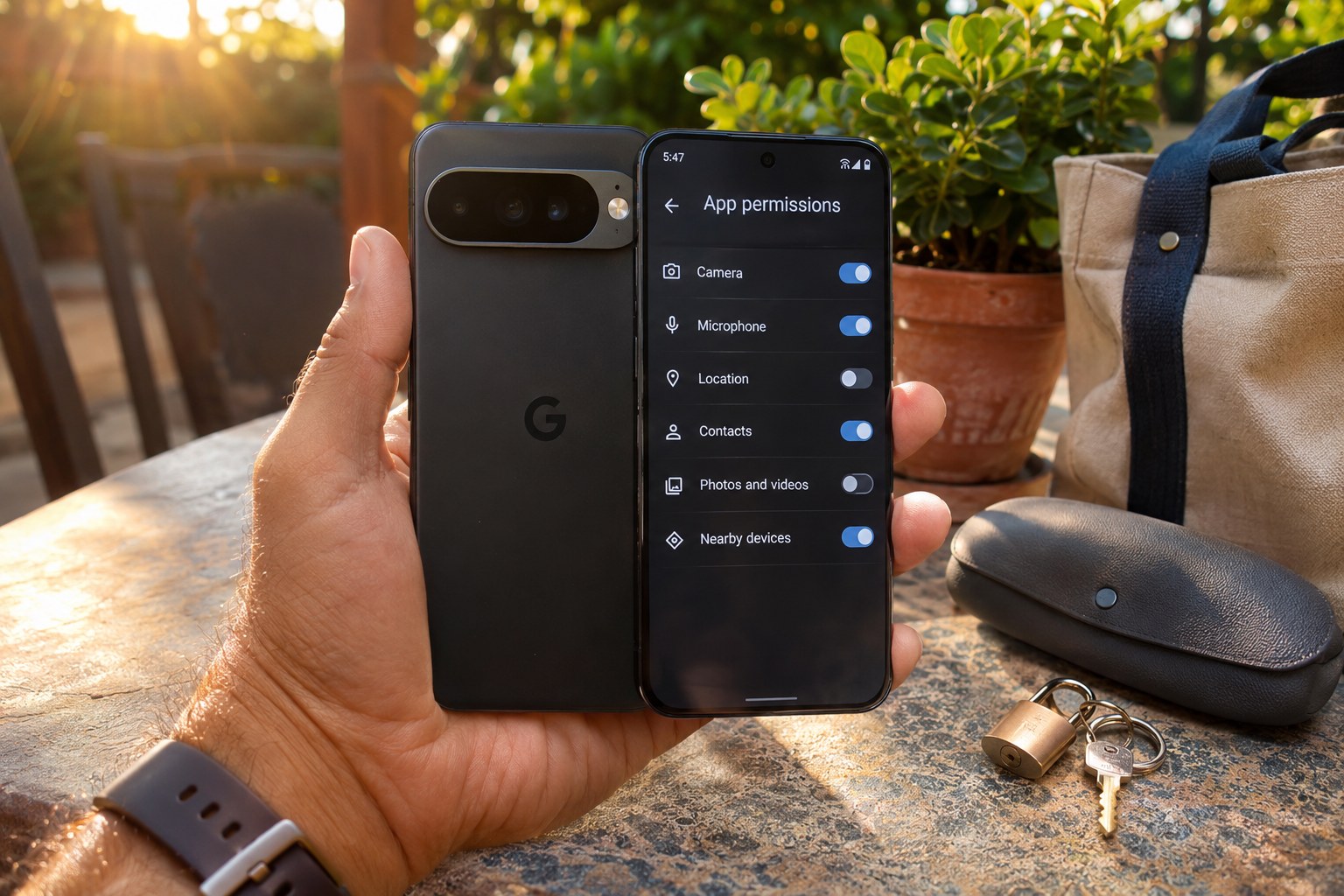
Google Pixel 9 Pro showing Android app permissions toggles on a sunlit patio table

Every app on your phone asks for permission to use something: the camera, the microphone, your contacts, your location. Most requests are legitimate, but over time apps accumulate access they no longer need, and a flashlight or game that asks for your contacts is a warning sign. This guide shows how to review permissions in … Read more

Stop Apps from Draining Battery on Android

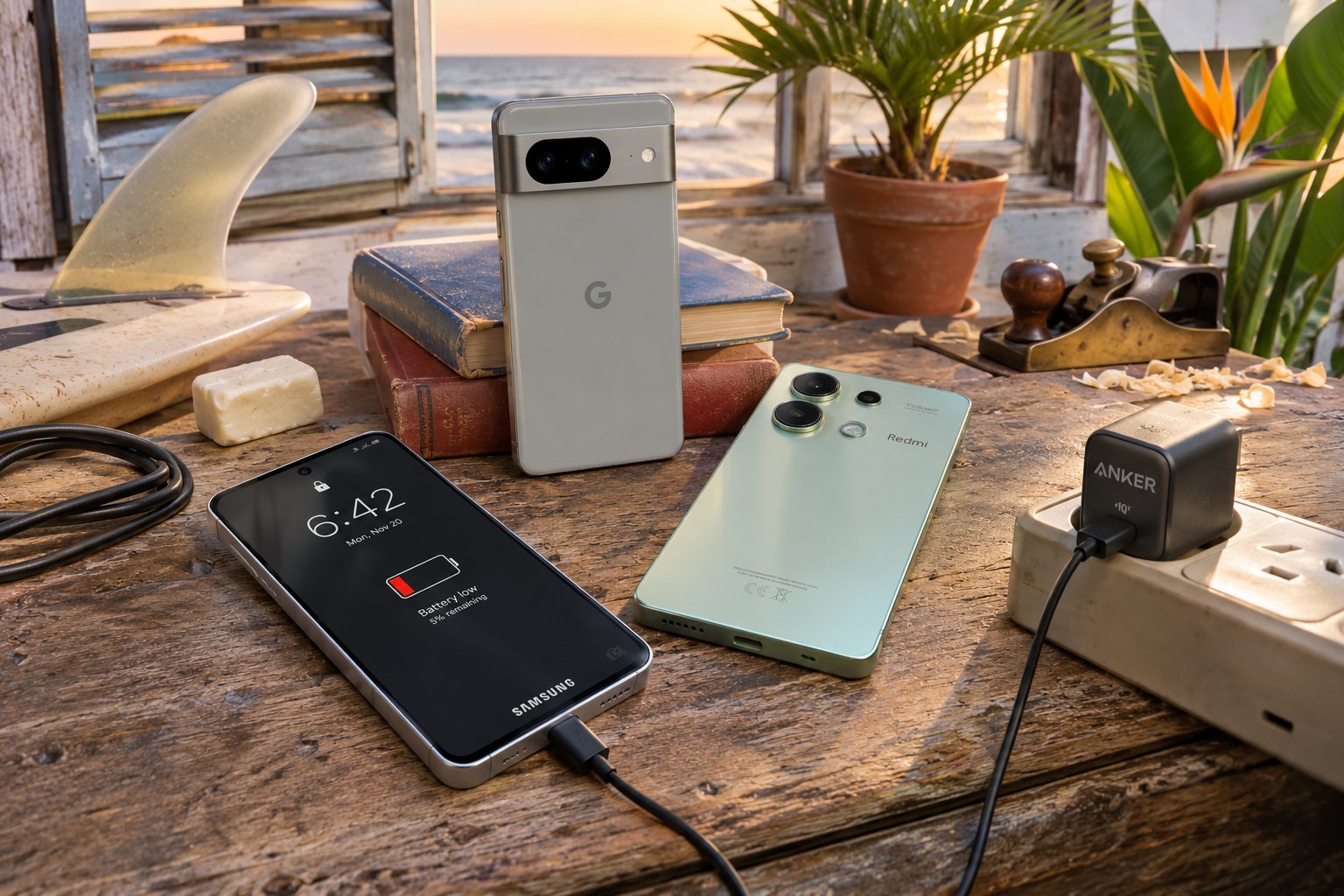
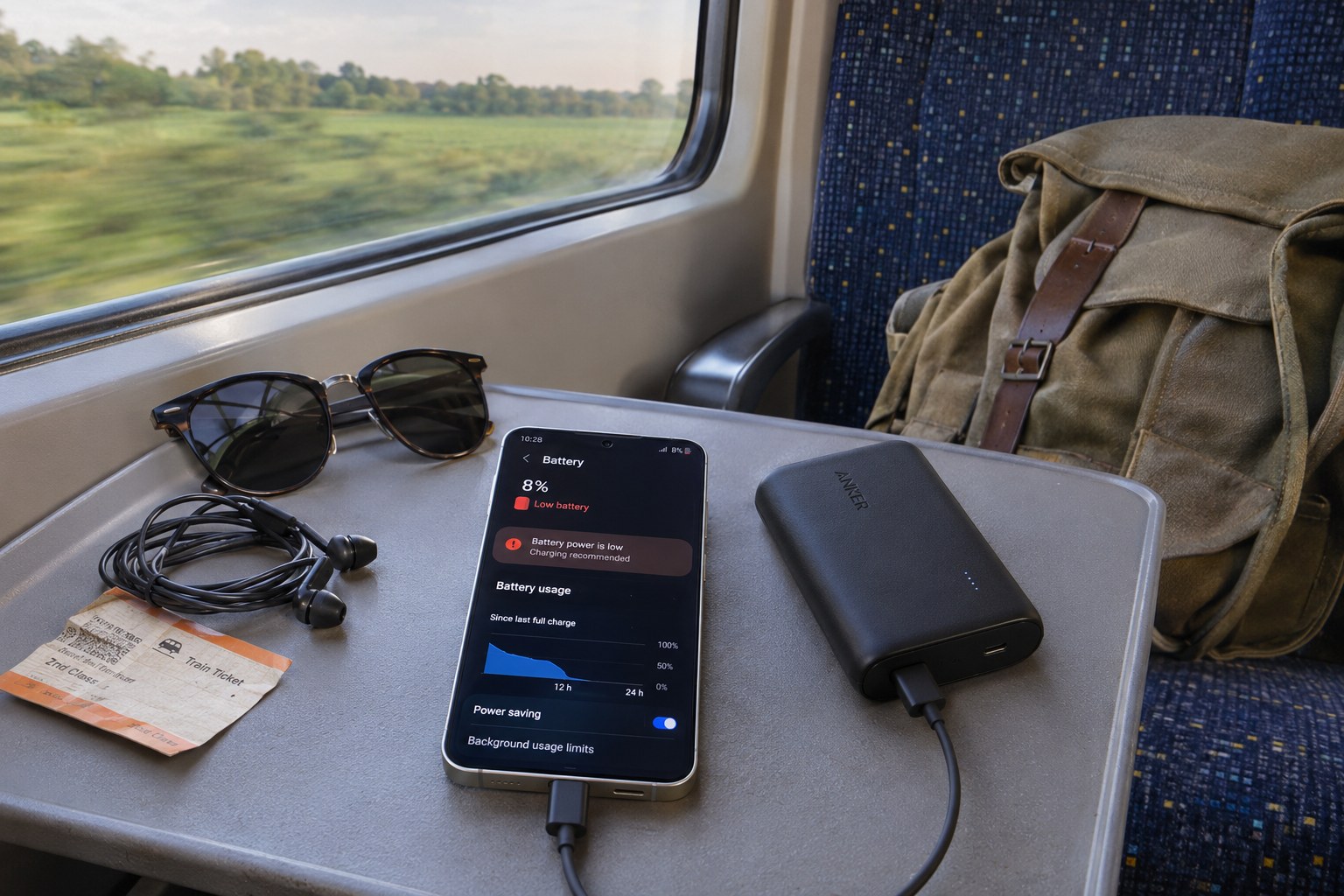
Samsung Galaxy S24 at low battery on a train tray table with an Anker PowerCore power bank

When the battery falls faster than your usage explains, the cause is almost always a small number of apps working in the background: syncing, tracking location, or keeping the processor awake. Android shows you which ones, and it lets you restrict them without uninstalling anything. This guide walks through finding the apps responsible, limiting what … Read more

How to Change Default Apps on Android 16

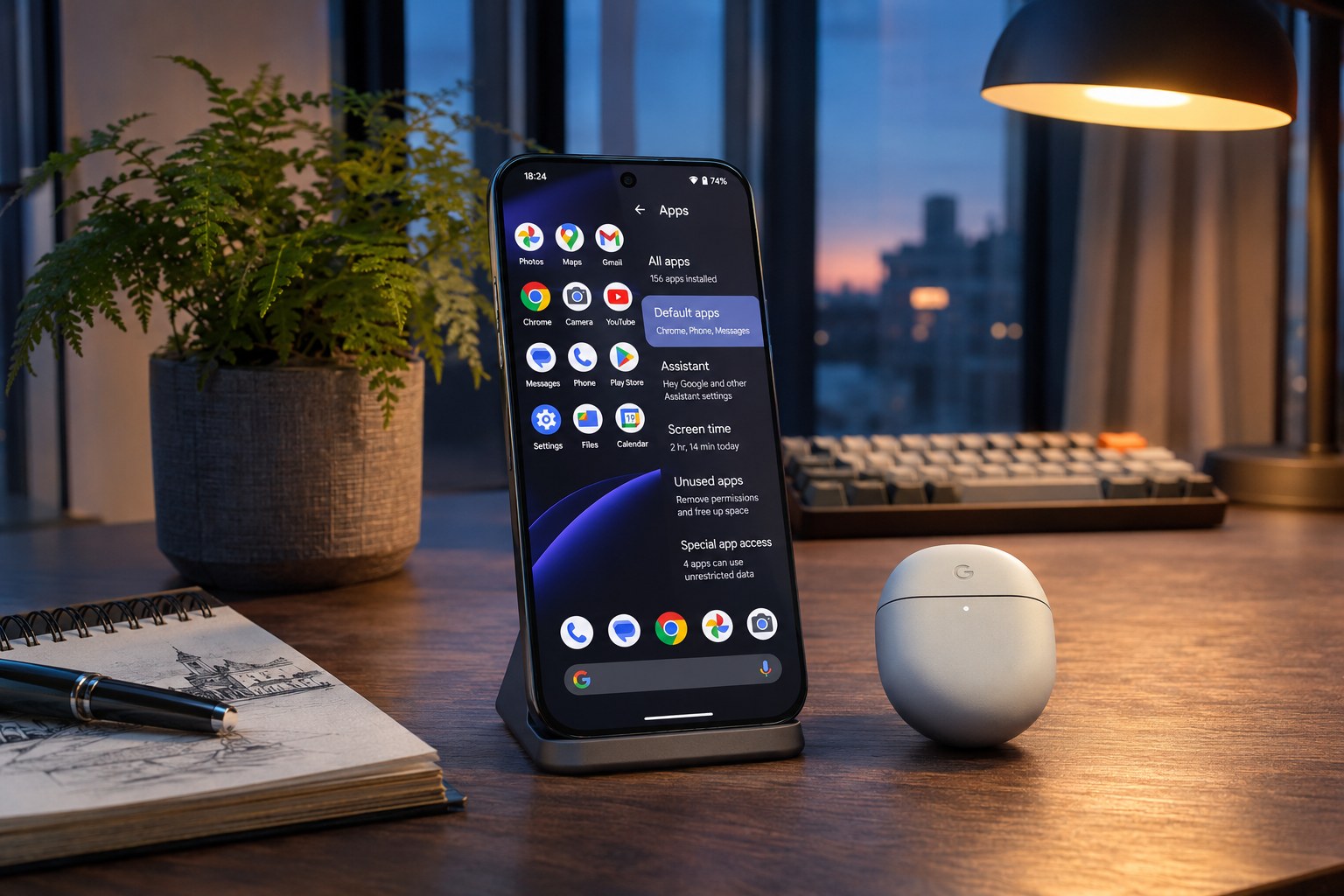
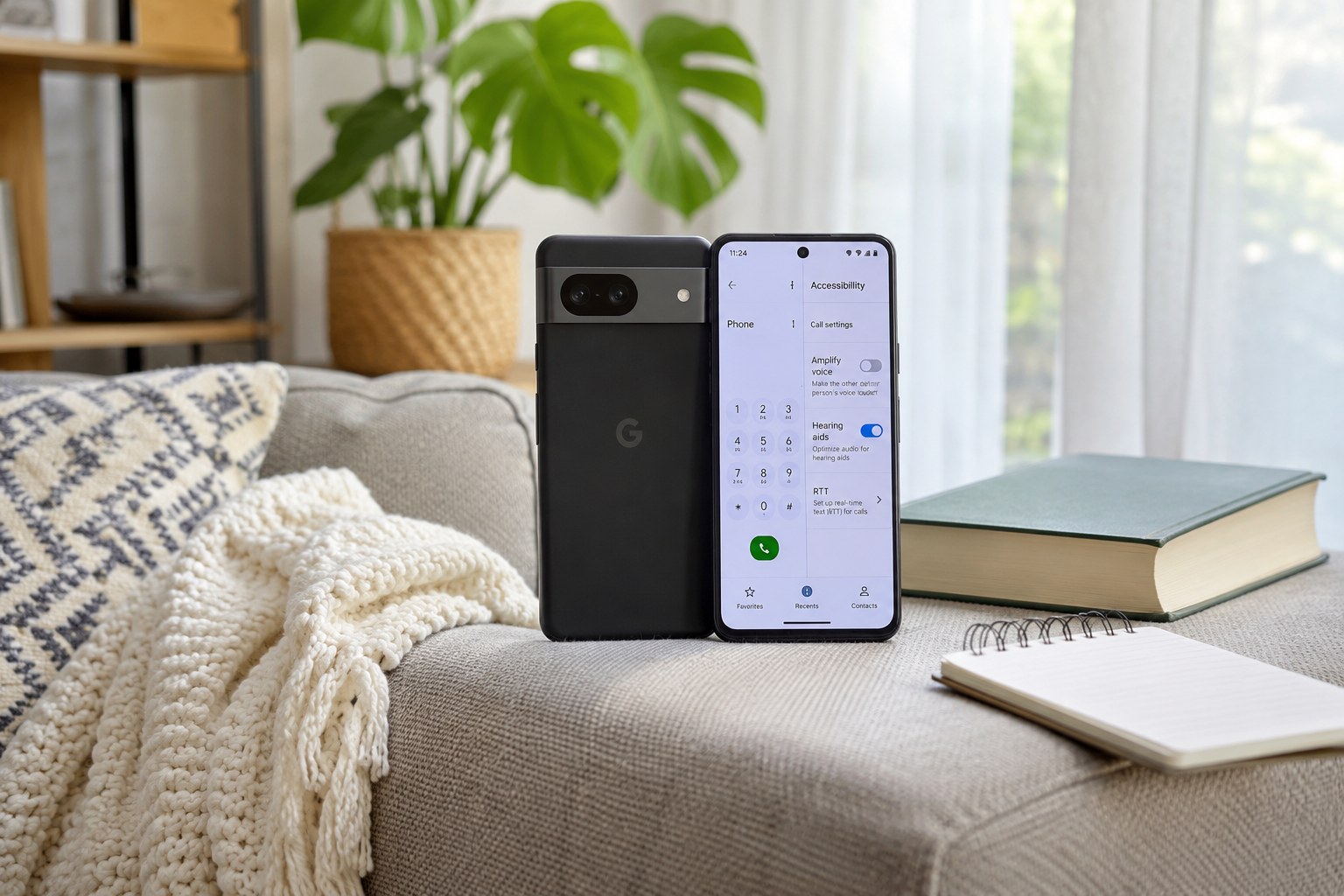
Google Pixel 9 Pro with a default apps settings screen beside Pixel Buds Pro 2 on a studio desk

Every time you tap a link, a phone number or the Home button, Android quietly decides which app should handle it. Those choices are your default apps, and Android 16 keeps them in one place so you can swap the browser, messaging app, dialer, launcher or voice assistant in a few taps. This guide shows … Read more

How to Speed Up an Old Android Phone: Easy Fixes

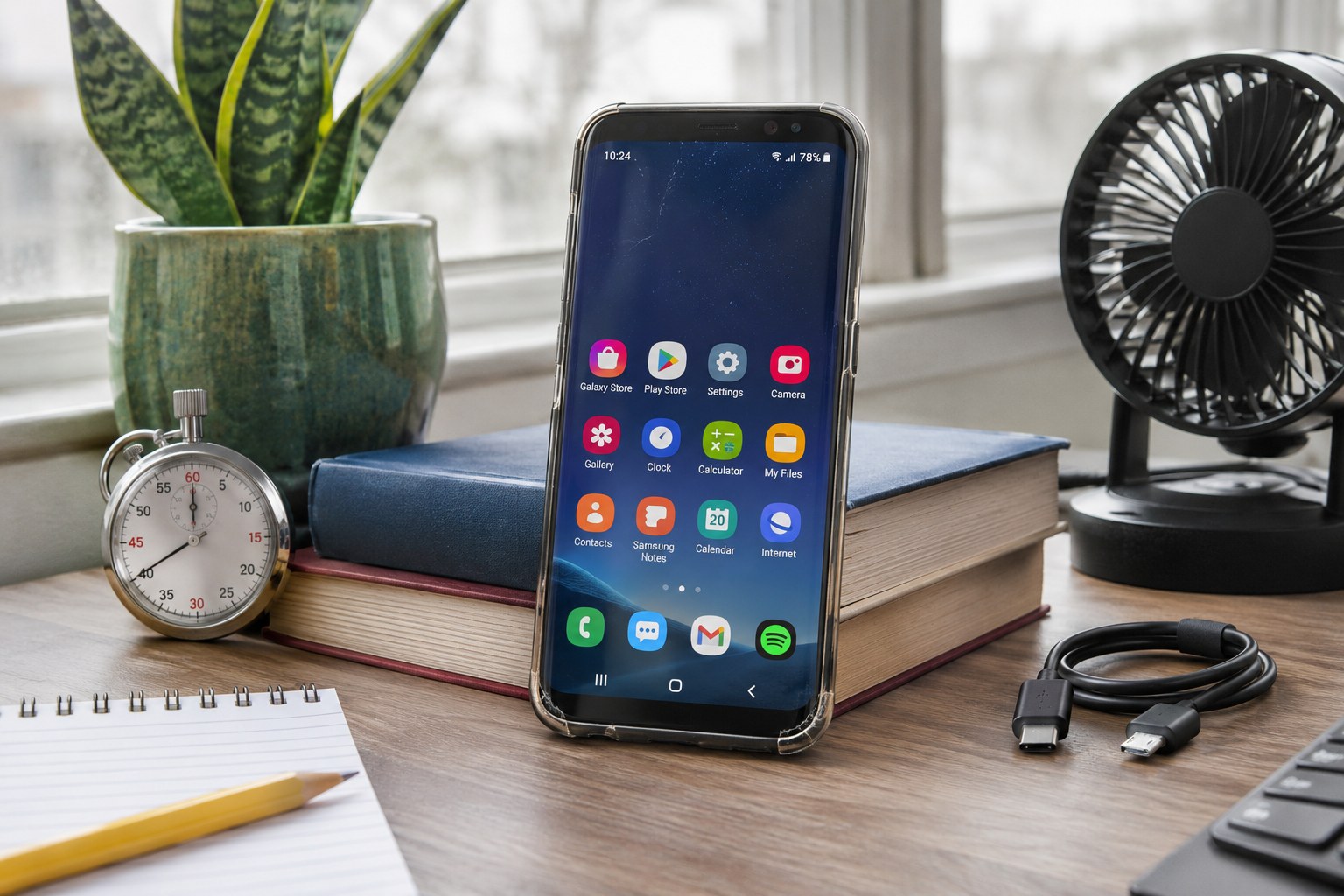
Older Samsung Galaxy S8 on a home-office desk with a stopwatch, desk fan and notepad

An older Android phone usually slows down for three reasons: the storage is nearly full, too many apps run in the background, and the software has grown heavier than the hardware. Most of that can be reversed without buying a new phone. This guide goes through the fixes in order of effect, from the five-minute … Read more

How to Text Someone Who Blocked You on Android?

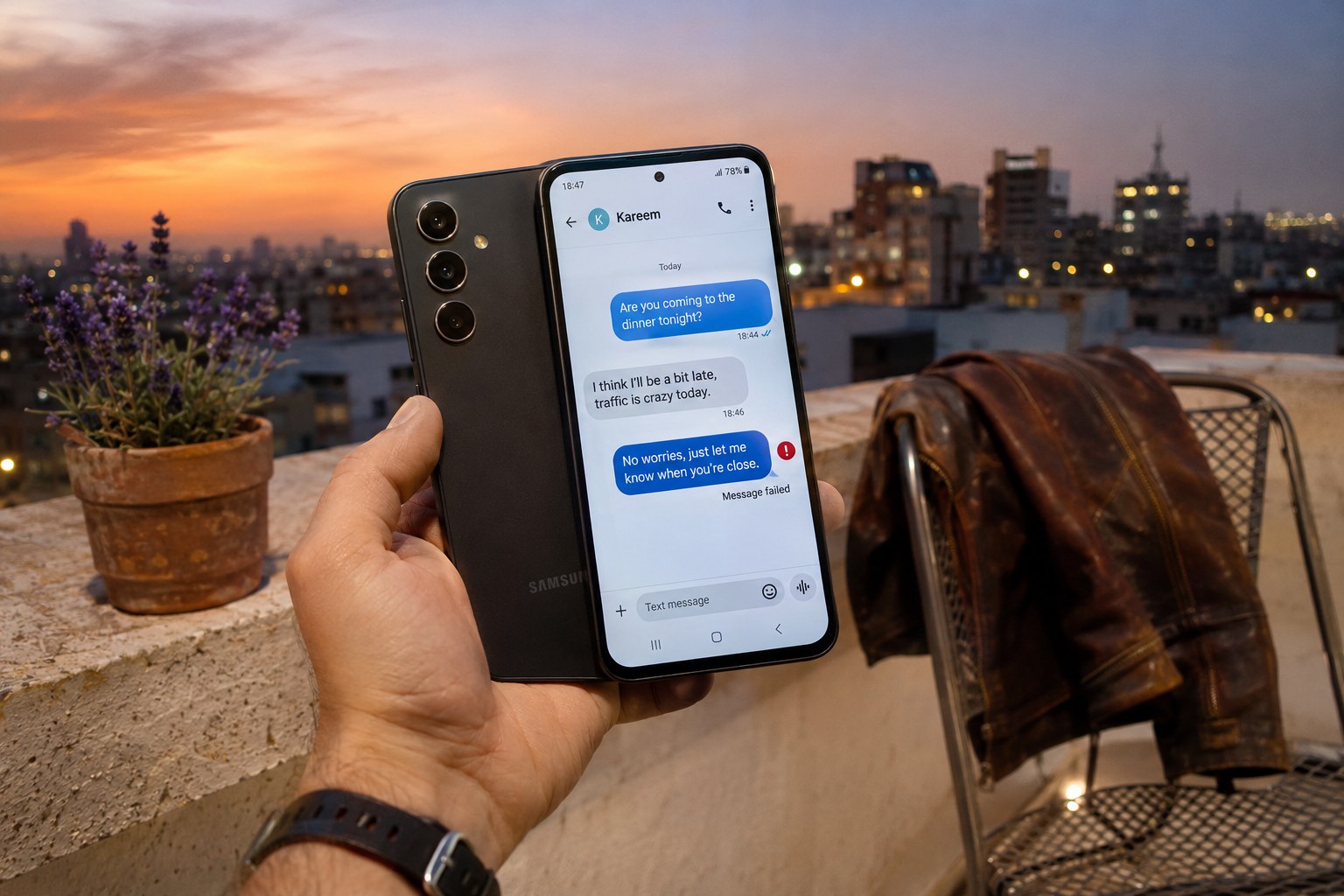
Samsung Galaxy A54 showing a failed message on a rooftop terrace at dusk

If your texts to someone stopped getting replies, you may have been blocked. Android does not tell you when that happens, so the signs are indirect. Blocking is the other person’s deliberate choice, and the honest answer to “how do I text someone who blocked me” is that you cannot do it through the same … Read more

The Best Photo Stick for Android Phones

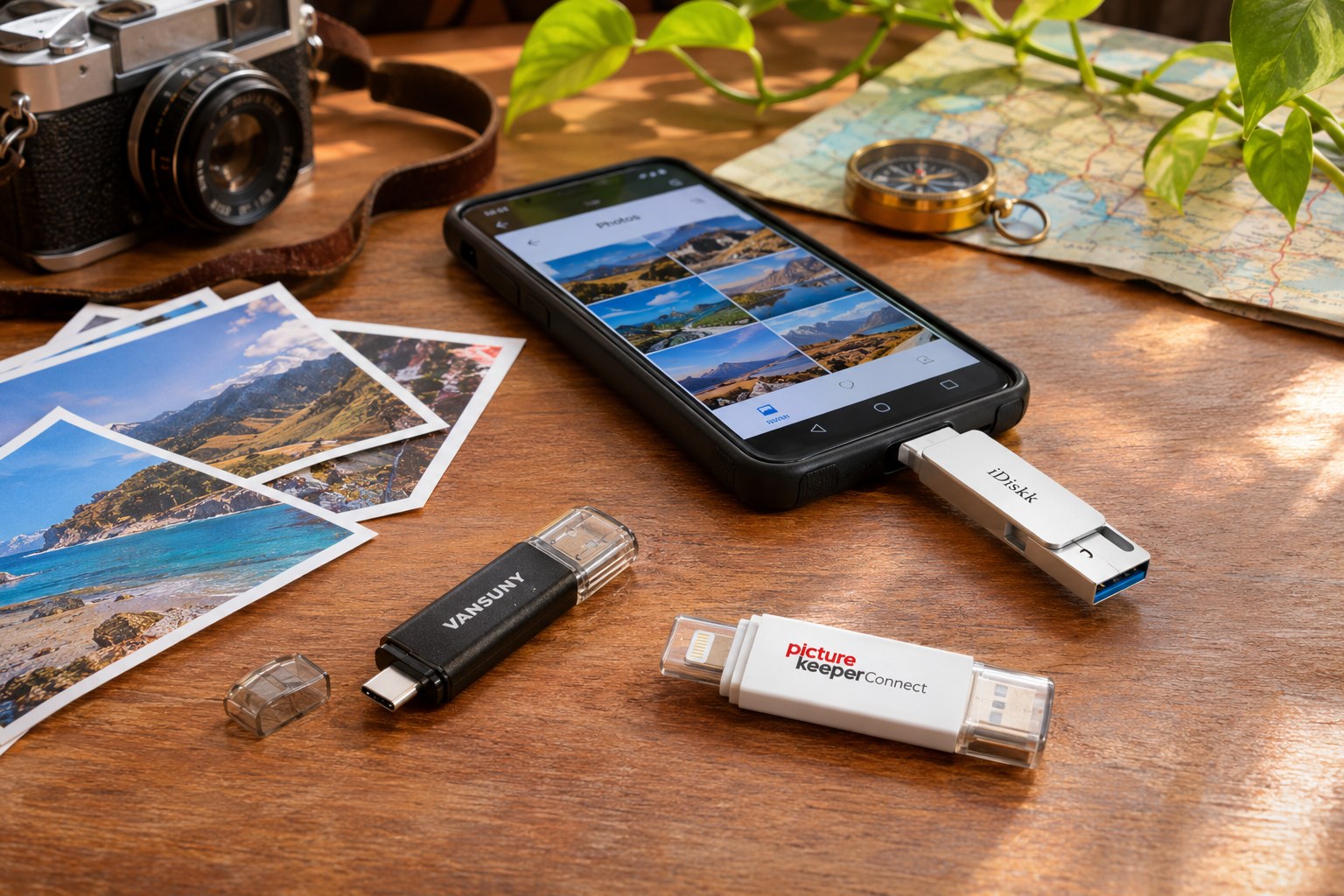
Vansuny, iDiskk and Picture Keeper photo sticks with an Android phone and printed travel photos

A photo stick is a small flash drive with a USB-C plug that goes straight into an Android phone. It is the quickest way to clear photos and videos off a full phone without a cable, a computer or a cloud subscription, and it doubles as a backup you can hold in your hand. The … Read more