10 Hidden Android Settings You Should Change (2025 Guide)
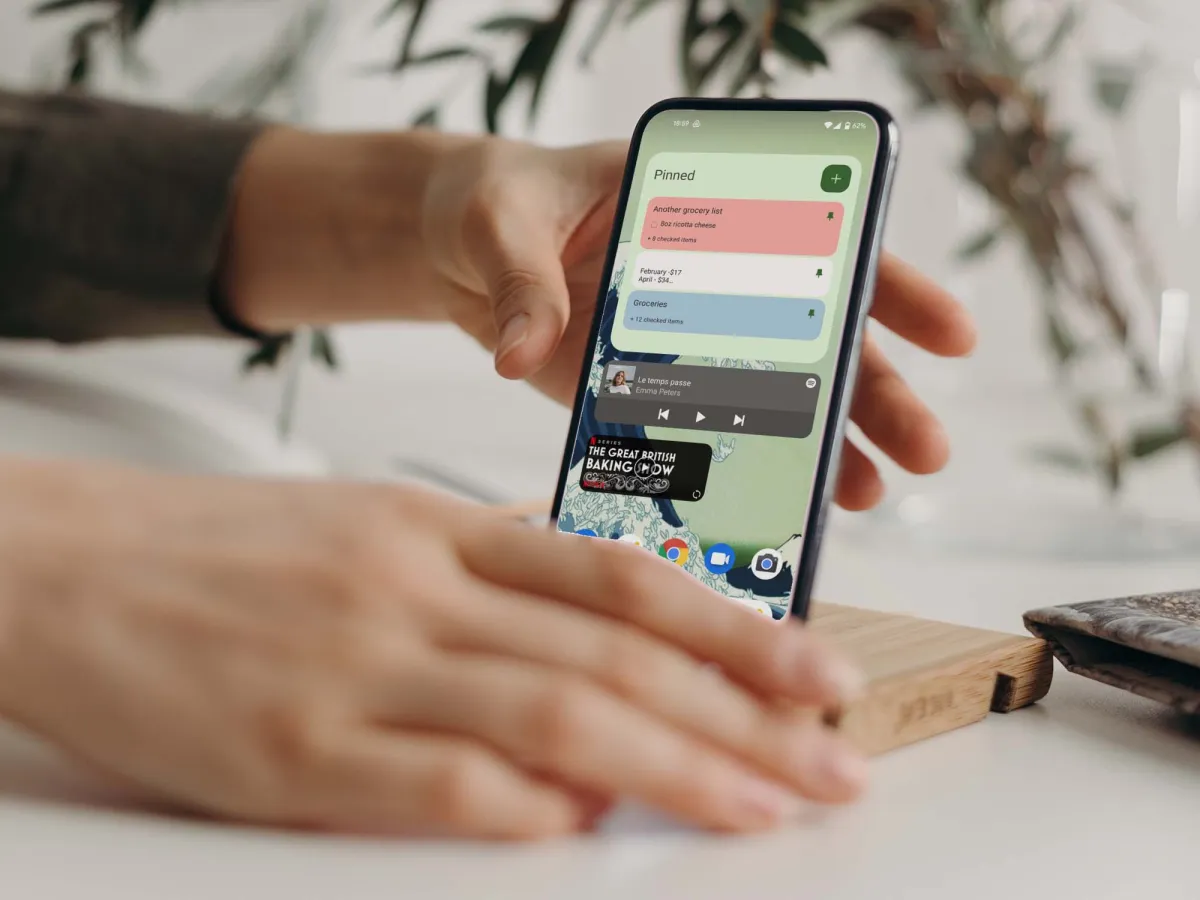
Hands placing an Android smartphone on a stand while the home screen and widgets are visible

Customizing hidden Android settings helps unlock better performance and control over your device. 10 Hidden Android Settings You Should Change (2025) Category: android-tips → advanced Android offers more customization and control than any other mobile OS — but most of that power is hidden deep inside menus the average user never touches. These lesser-known features … Read more
How to Manage App Permissions Safely on Android (2025 Guide)

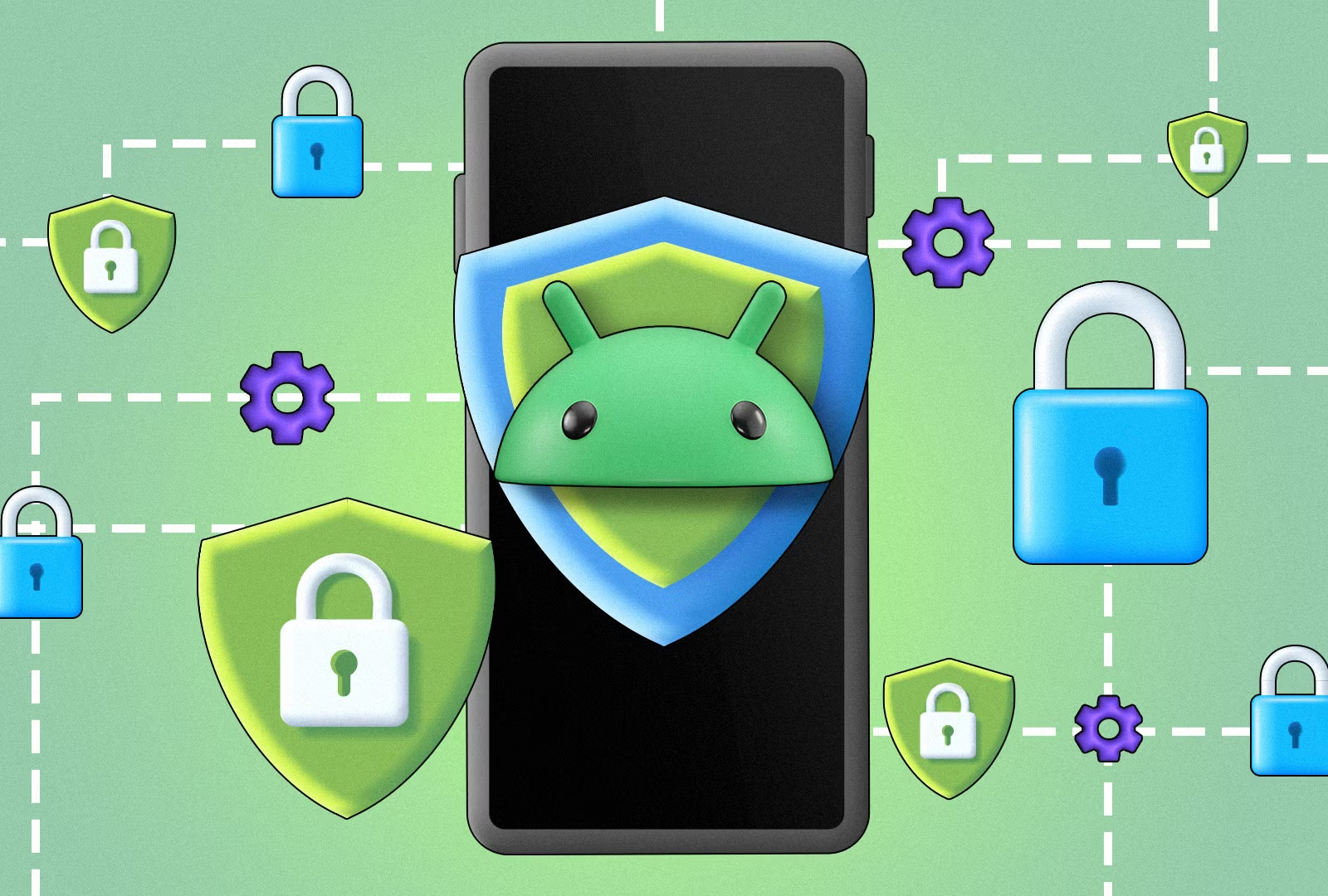
Illustration of an Android phone with a security shield and privacy icons, representing safe app permissions management

Managing app permissions helps you control what data apps can access on your Android device. How to Manage App Permissions Safely on Android (2025 Guide) Category: how-to → privacy Every app on your Android phone asks for access to something — camera, microphone, location, contacts, files, or the ability to run in the background. Many … Read more

Stop Apps from Draining Battery on Android (2025 Guide)

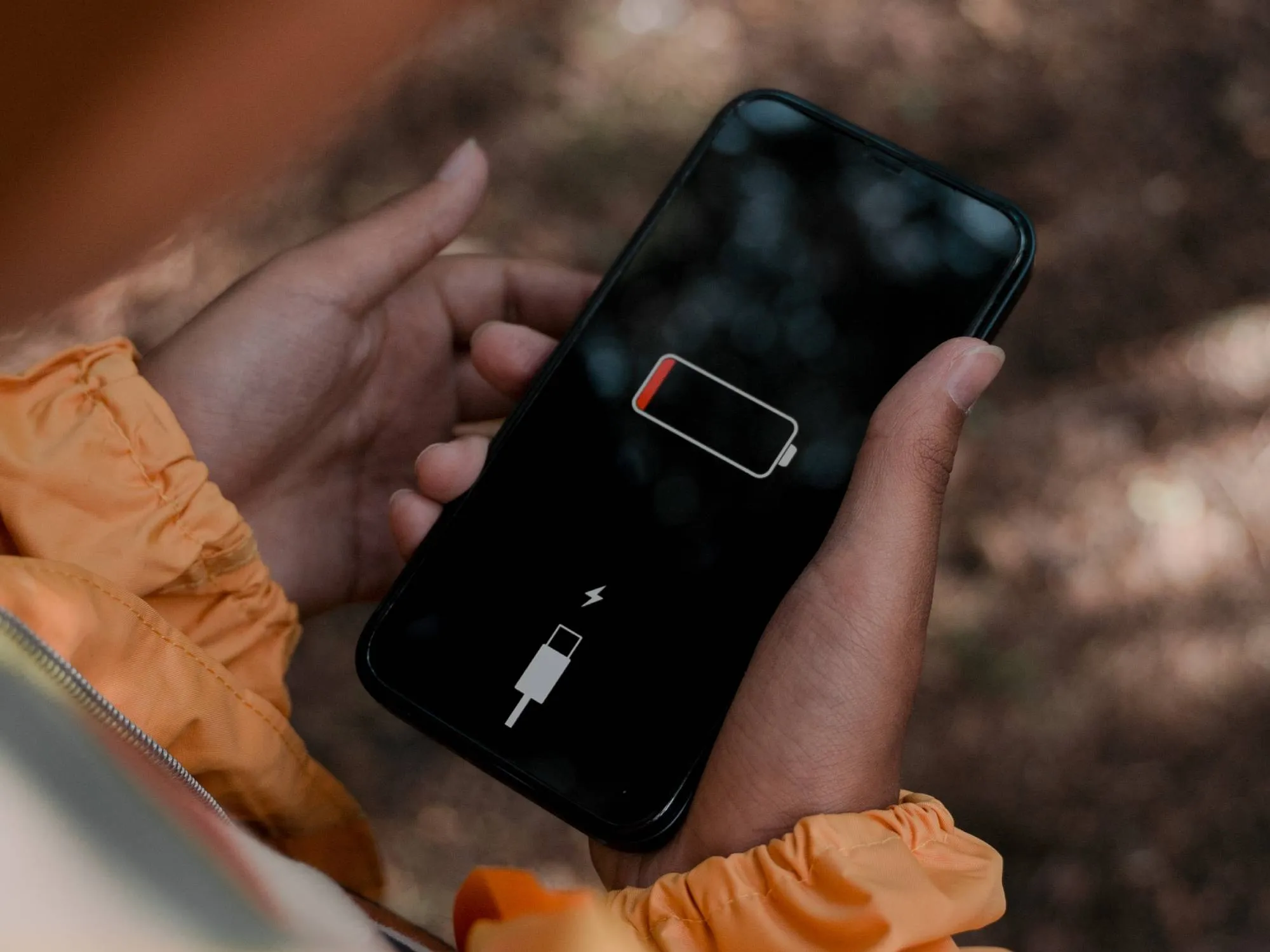
Person holding a smartphone showing a critically low battery symbol, illustrating battery drain issues on Android

Is your Android battery dropping faster than it should? You’re not alone. Android 16 brings major power-saving improvements, but some apps still abuse background activity, use hidden services, or keep wakelocks that drain your battery even when you’re not touching your phone. In this guide, we’ll help you identify which apps are responsible, stop unnecessary … Read more

How to Change Default Apps on Android 16 (2025 Guide)

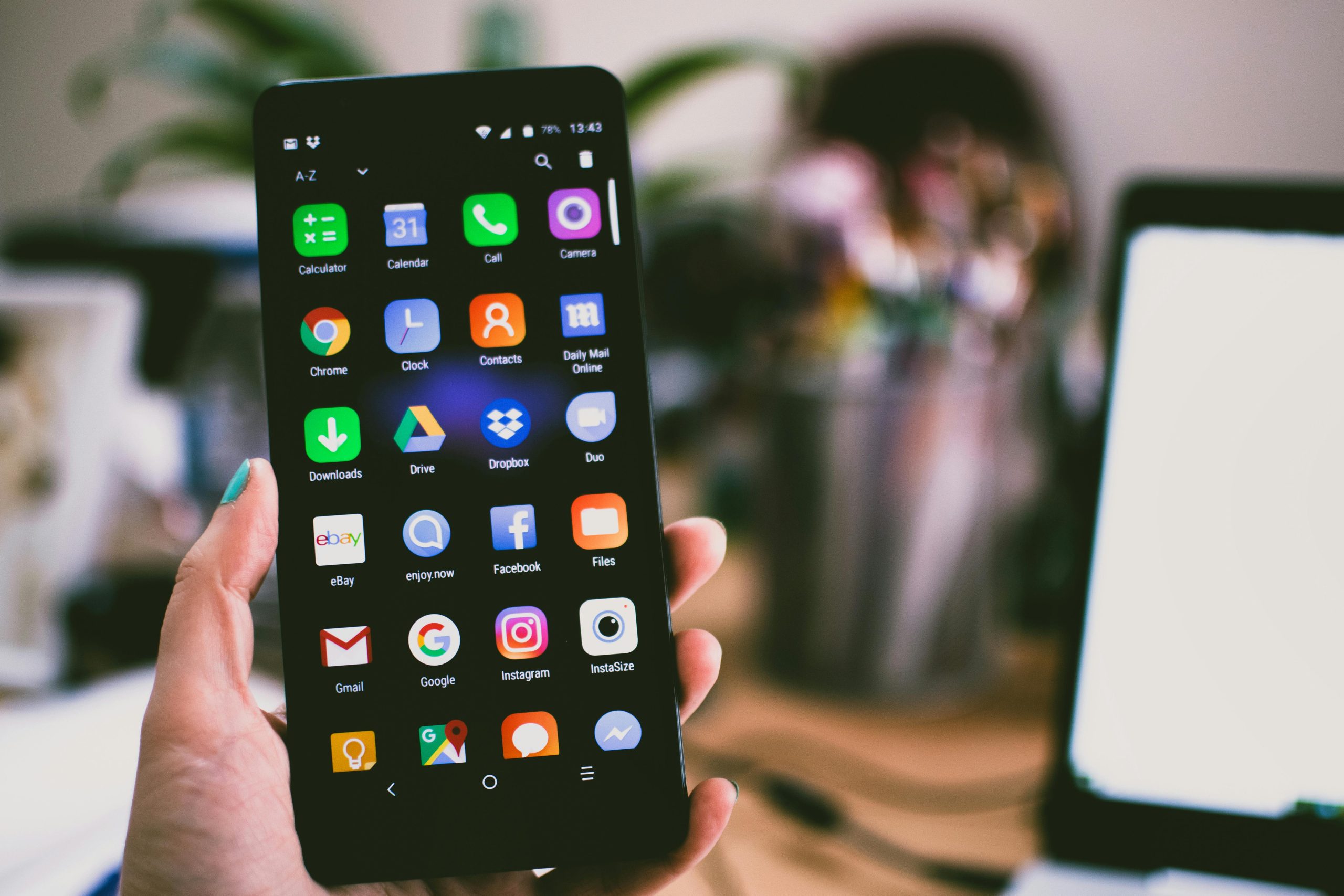
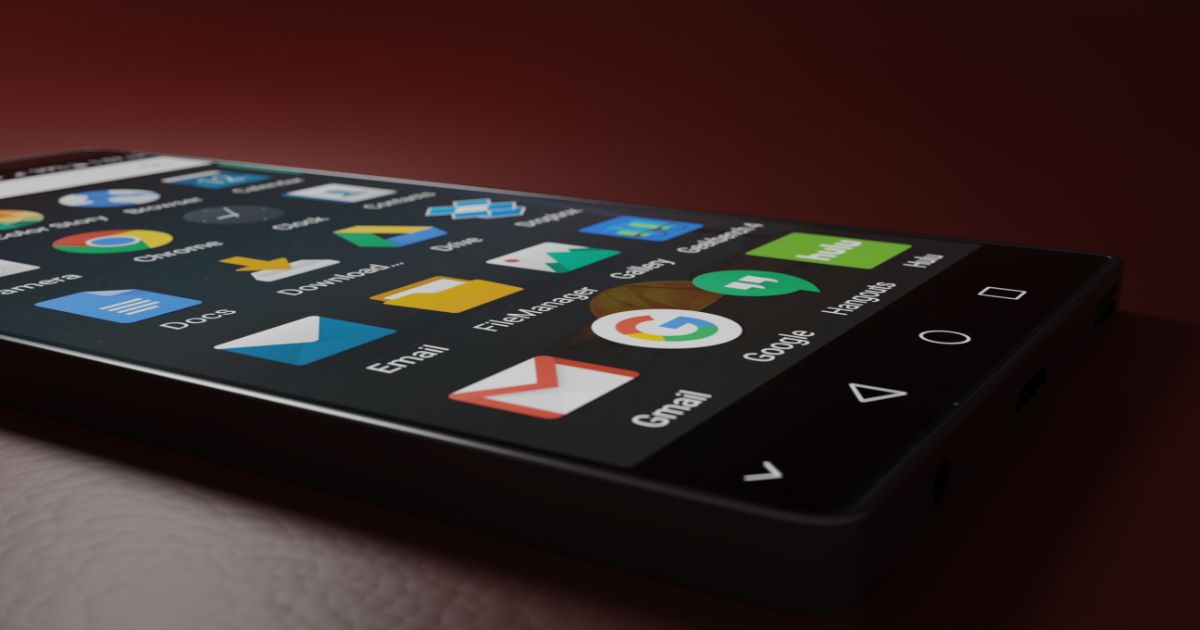
Android home screen showing multiple app icons — change default apps on Android 16

Quick summary: Android 16 gives you more control over which apps handle common actions — from web links and SMS to the home launcher and voice assistant. This guide shows exactly how to view, change, and reset default apps in Android 16, plus best practices for testing changes and avoiding common problems. Category: how-to → … Read more

How to Speed Up an Old Android Phone (2025 Guide & Easy Fixes)

An old Android phone can slow down for many reasons — full storage, outdated apps, too many background processes, or aging hardware. The good news? You can significantly improve speed with a combination of quick fixes and deeper optimization steps. This guide walks you through the most effective ways to speed up an older Android … Read more

How to Text Someone Who Blocked You on Android?

how to text someone who blocked you on android

Can you still text someone who blocked you on Android? There are several loopholes available to break the blocking barrier and notify the Android receiver. Here is a complete breakdown of how to text someone who blocked you on Android including social media messaging. How to Confirm if Your Number Has Been Blocked on an … Read more

A Beginner’s Guide on How to Turn Off RTT on Android

how to turn off rtt on android

Wondering how to turn off RTT on Android? A simple push of a touchscreen button is all it takes. That button varies with every mobile brand. In this guide, we detail several ways to turn off RTT on Android. This includes calling and notifications as well. We will elaborate on the steps for different Android … Read more

How to Jailbreak a Chromebook Step by Step Guide

how to jailbreak a chromebook

Chromebooks are a popular budget-friendly option for students or anyone just needing a laptop for basic activities, like browsing the web and creating documents. Some, however, like a little more freedom with their Chromebooks and opt to work in developer mode. If you want to look around in Developer Mode on your Chromebook there are … Read more

Which is the Best Endoscope Camera for Android Devices Today?

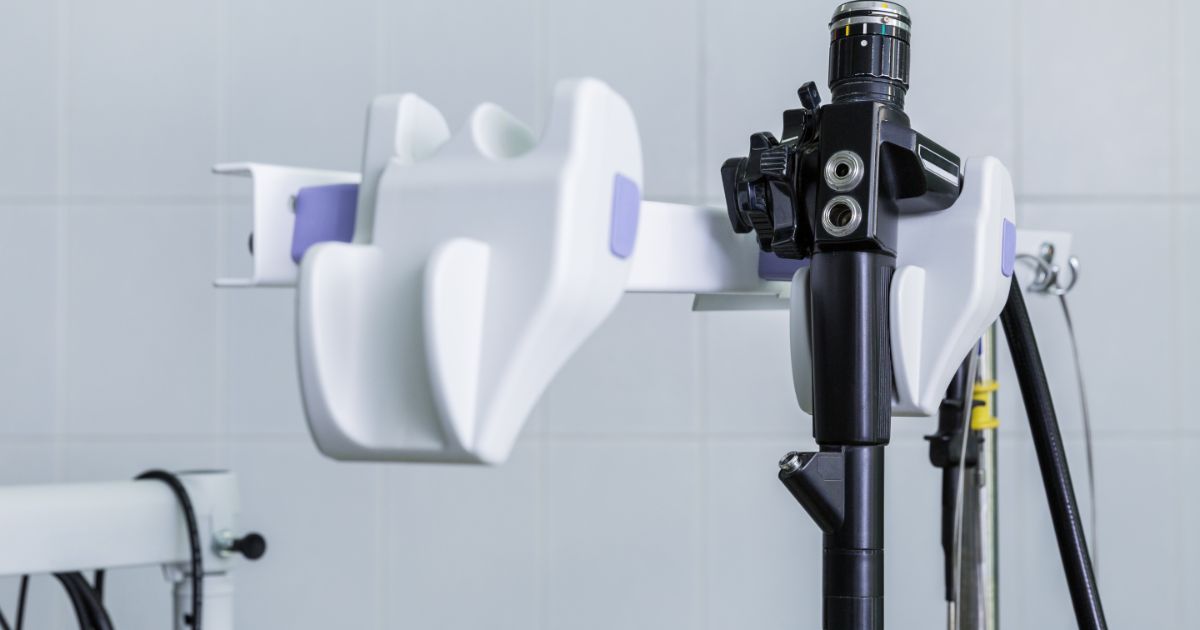
best endoscope camera for android

We all love how versatile mobile phones have become. The latest versions of Android phones can do more than just make or take calls on them – we can listen to music, watch videos, and even use features like the flashlight. However, you may be surprised that you can now get additional devices to attach … Read more

Which is the Best Thermal Camera for Android

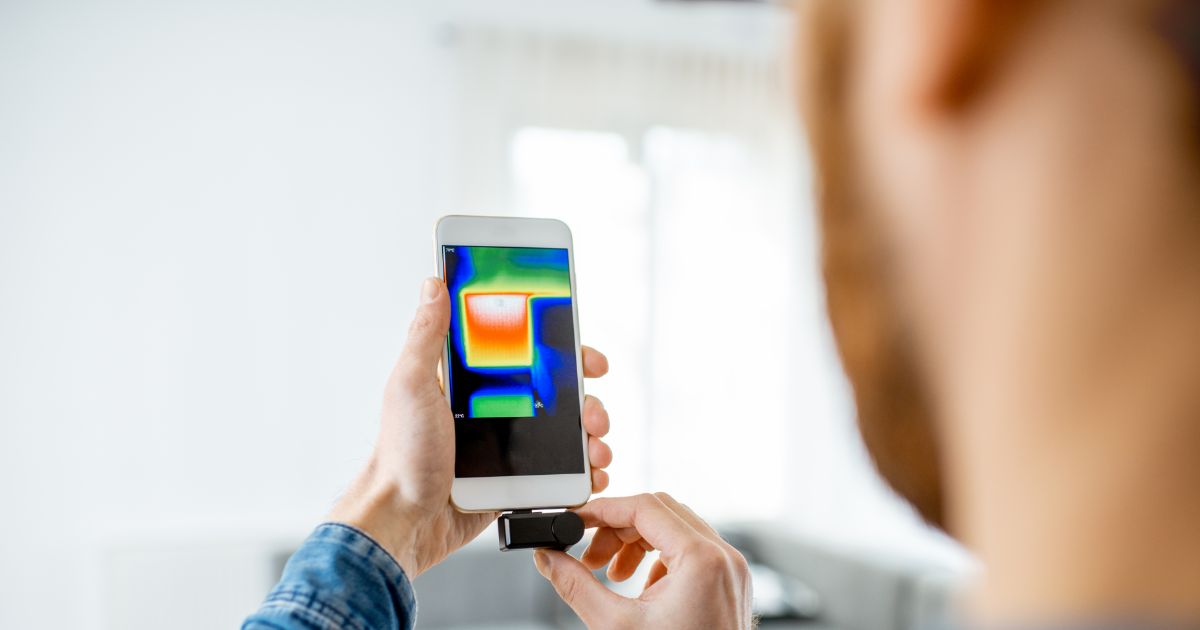
best thermal camera for android

With the right kind of thermal imaging camera, you can explore the world around you in a completely new way. The best part is that you don’t need to spend a fortune on professional equipment that scientists or the police use. Instead, you can buy equipment that you can use with your Android phone. But … Read more